Music video synchronization,
explained.
How ShowMe brings music in your room and video on your screen together.
How can I sync a music video with music playing in a room?
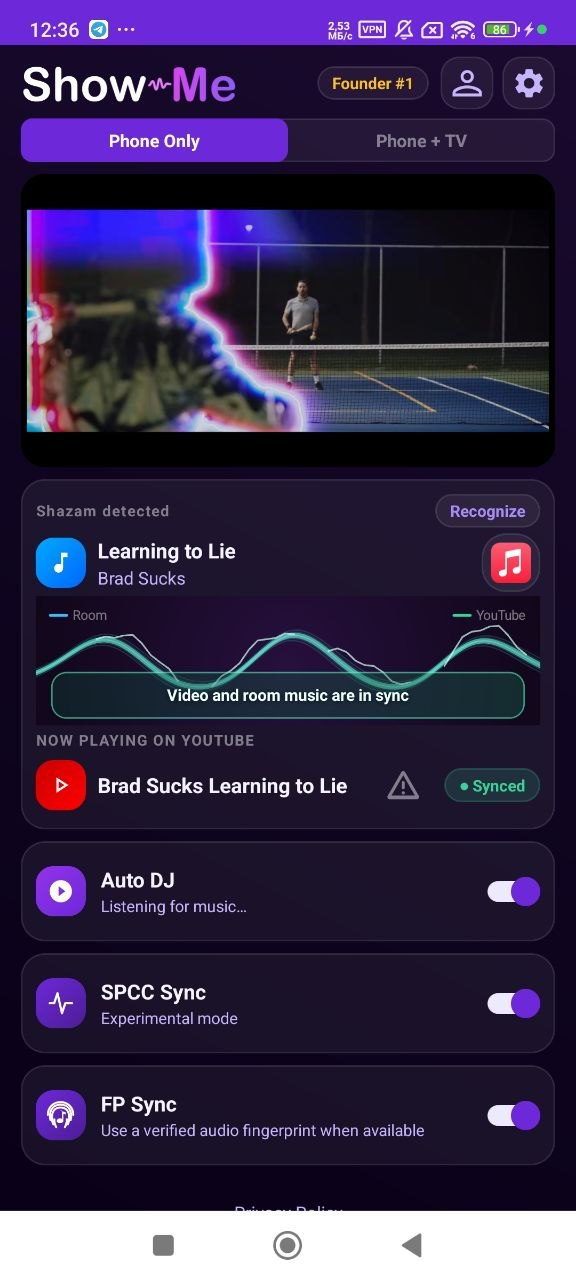
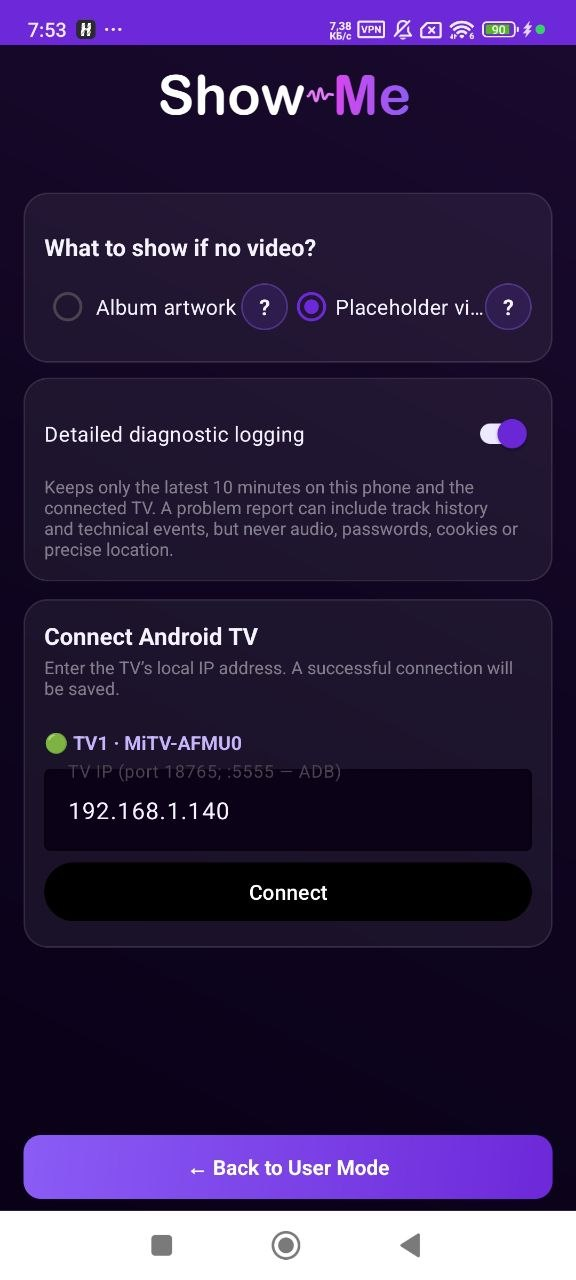
ShowMe uses the microphone on an Android phone to recognize the song, find a matching music video and adjust video playback to the music it hears. The video can play on the phone or an Android TV.
Can I keep listening through my Hi-Fi system?
Yes. Your streamer, radio or music player keeps supplying the sound through your existing amplifier and speakers. ShowMe listens through the phone microphone and adds synchronized video on a separate screen.
Does ShowMe need a connection to the music player?
No direct connection to the audio source is needed. The phone listens to the same music you hear. Recognition and synchronization depend on the recording, microphone placement and room noise.
Will every song or live performance synchronize?
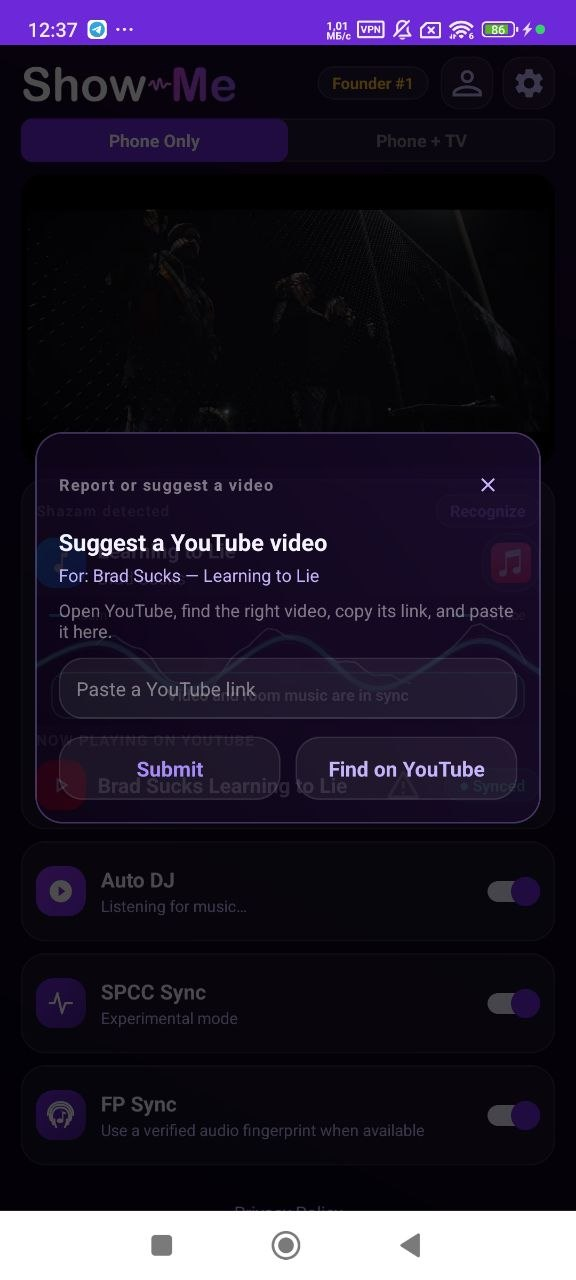
No. Accurate music video synchronization requires a compatible recording. An official video may include an intro, and a live performance may differ from the recording in the room. Recognition alone does not guarantee synchronization.
Can I download ShowMe now?
ShowMe is a working Android phone and Android TV prototype, still in development. A public download is not available yet. You can watch the demonstrations on this page or contact Kirill about the project.
A simple idea.
A year of building.
I wanted to listen to music on the system I already enjoyed and see the corresponding video on the TV. Without choosing every clip by hand.
Recognizing a song was only the beginning. The difficult part was making a separate video follow the exact moment in the music that the phone could hear, then keeping it there as playback continued and songs changed.
I spent the year trying different approaches, rewriting code and listening to clips again and again. ShowMe is now a working prototype, and I'm still improving it and exploring a path to a public release with video and streaming platforms.
Kirill Kazakov, creator of ShowMe